
Parvel is now available as a ChatGPT plugin. The integration lets you search our legislative sources, read transcripts and consult the alerts and reports in your Parvel account from a conversation.
We collect official sources and transcribe sessions every day. The integration lets you work with that information in ChatGPT, compare it with your own documents or material from other connected applications, and prepare charts and files from the results.
The plugin and your Parvel account
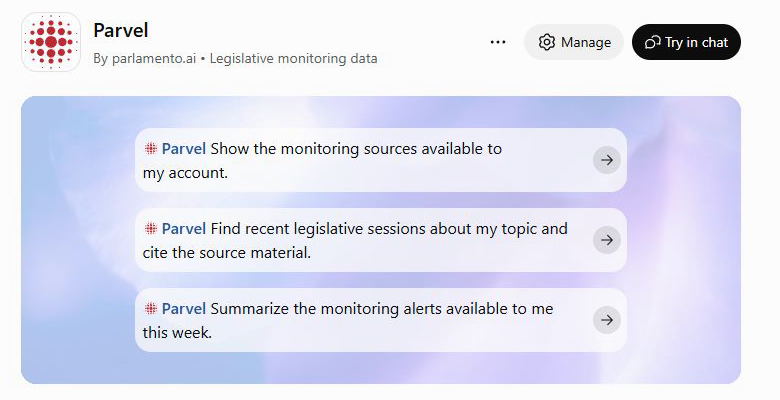
The plugin is listed in ChatGPT’s plugin directory. It connects to a Parvel account and uses the sources and permissions that account already has. Your organization must have the integration enabled. Once connected, Parvel appears among the plugins you can select by typing @ in ChatGPT.
Sources in the conversation
In one of our tests, we searched for sessions about waste and recycling in Chile and Spain. Parvel returned the records and their links, and ChatGPT organized them in the table below.


Searches can specify topics, countries and dates. ChatGPT can also read the full transcripts to answer questions about a particular statement or compare discussions across sessions. Follow-up questions can narrow the query or bring in another source.
Returning to the original material
Results retain links to Parvel and, where available, the original video or document. These let you check a quotation and read the passage behind an answer.
Charts from the retrieved data
We also tested chart creation using a session of Peru’s budget committee. ChatGPT read the transcript and organized the proposed allocations into a visualization. Selecting an allocation shows its description.

The data comes from Parvel, and ChatGPT creates the chart. In the conversation, you can ask for a different comparison, change its presentation or include another source.
Documents to download
We used the same information to generate the PDF shown below. It includes the chart and links to the session, and can be opened and downloaded from ChatGPT.

Before downloading the document, you can review its contents and request changes in the same conversation. You can also attach your own file, such as questions for a meeting, and ask for answers based on Parvel sources.
Alerts and monitoring topics

The plugin also provides access to Parvel alerts, delivered reports and the calendar. It can bring together the week’s alerts, open one in detail or show upcoming sessions.
Monitoring topics can be created, edited and paused from ChatGPT, with confirmation before changes are applied and subject to account permissions. You can also request reports from the Parvel team using your account’s available allowance. These are separate from files ChatGPT generates during a conversation.